

Private AI knowledge systemsFind company knowledge instead of searching for it

Your staff spend too much time looking for information in PDFs, manuals and internal documents? With a private AI knowledge solution, existing knowledge becomes searchable. Questions in plain language, answers with source references, all in-house.

1 set
to start: one manual, one product line
4 steps
from documents to answer
1 source
per answer: document, version, page
0 €
first call, about thirty minutes
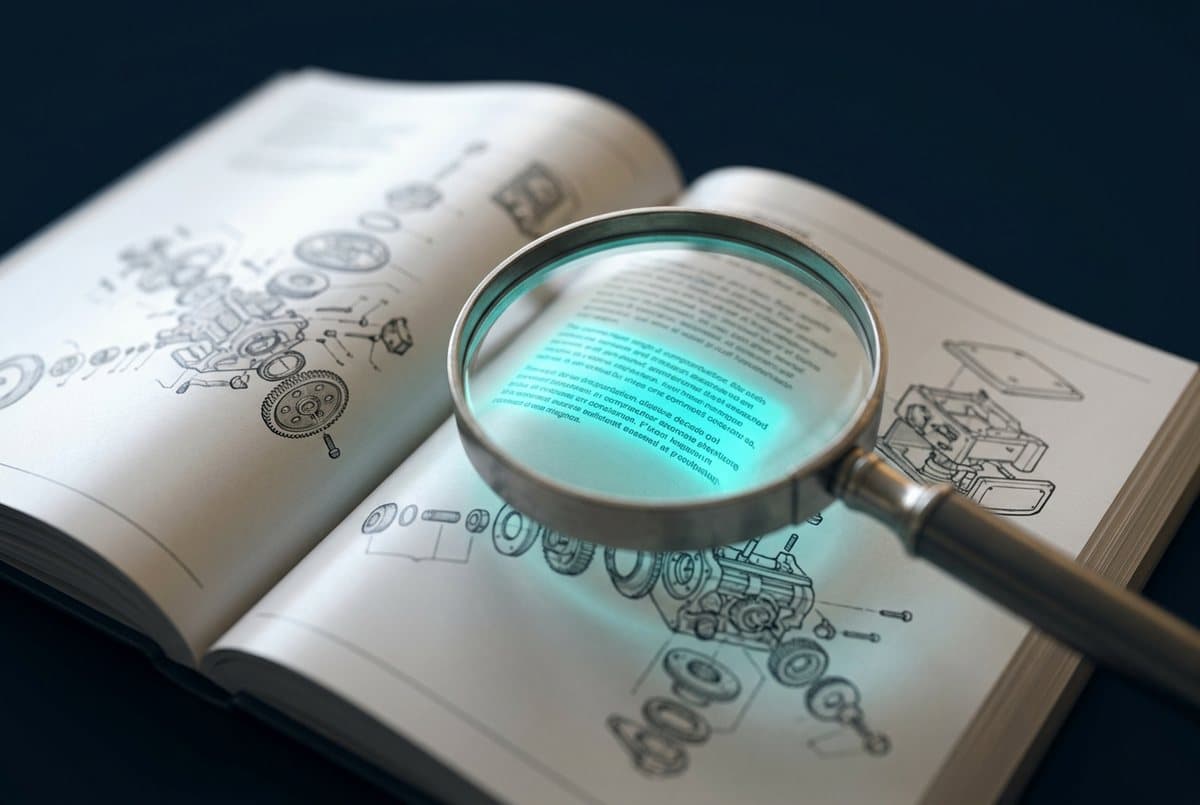
Open technical manuals in a beam of light, symbol of searchable company knowledge
The problem

The knowledge is there. Nobody can find it.

Most companies have more documentation than they can use. It is scattered, in versions, in formats, in heads. Four consequences that cost time every day.

01

Searching instead of working

Service technicians, clerks and sales search file shares, manuals and email threads. Full-text search finds words, not answers.

02

Knowledge depends on people

For legacy machines, special cases and old projects only one colleague knows. If they are on holiday or retired, the case stalls.

03

Versions and contradictions

Three versions of a work instruction, two of them outdated. Nobody knows for sure which applies, so people ask or guess.

04

Onboarding takes long

New employees ask the same questions as their predecessors. The answers are in the intranet that nobody reads.

Typical situation

Does this sound familiar?

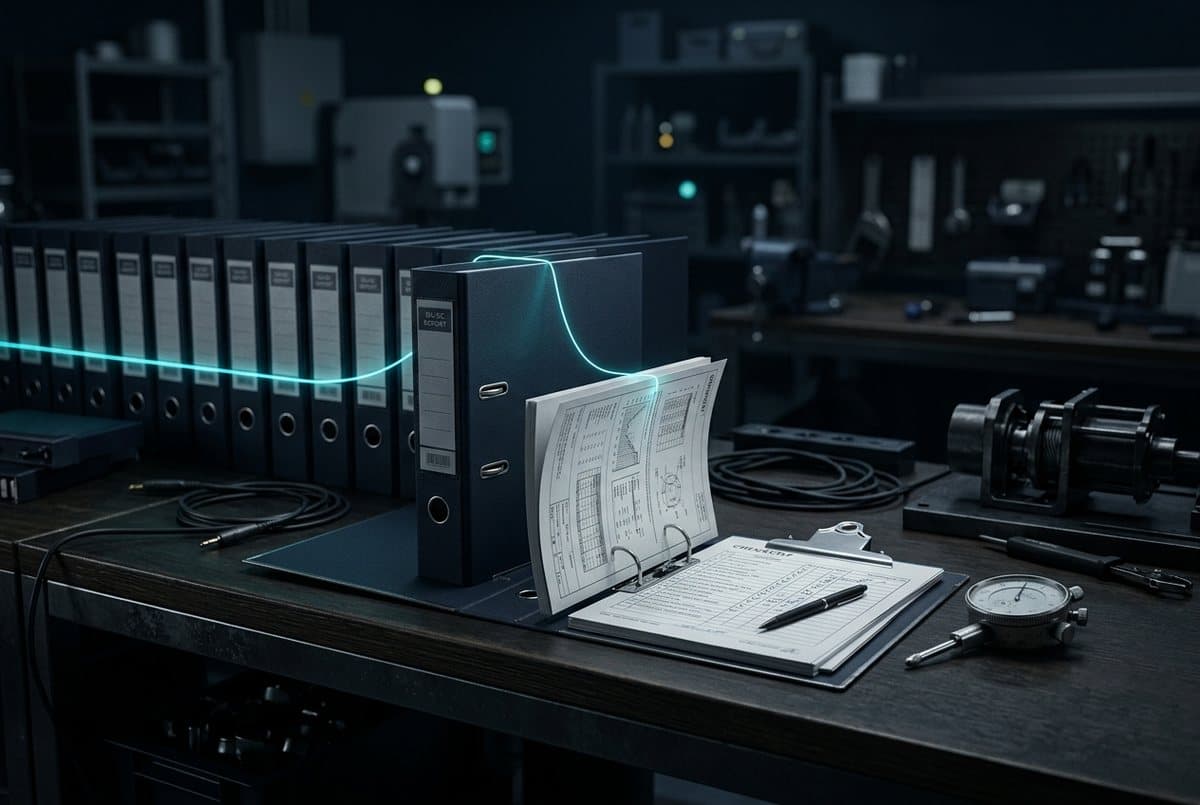
A stack of binders and documents with a glowing thread leading to a single page
AI-generated
  1. A customer question about maintenance requires opening three PDFs and calling a colleague.
  2. Before audits, days are spent collecting documents and checking their validity.
  3. The QM manual is complete, but nobody finds the section that is needed right now.
  4. Departments maintain their own repositories because the central search returns nothing useful.
  5. Project knowledge sits in closed ticket systems and old quotations, out of reach for new cases.
  6. Cloud assistants would help, but the documents must not leave the building.
The solution

A private knowledge system that understands your documents

Your documents are loaded into a private AI knowledge base: manuals, work instructions, contracts, project files, ticket histories. Employees ask their question in normal language, for example "What torque applies to the bolted joint on series 4?", and get an answer with a reference to document, version and page.

The method behind it is called RAG, retrieval-augmented generation. The language model does not answer from its general knowledge but from the passages that match your question. That keeps answers tied to your content and makes them verifiable at the source. If something is not in the documents, the system says so.

The knowledge system runs on your hardware or in a European environment with a data processing agreement. Permissions per knowledge base ensure staff only see what they are allowed to see. I build it with open components so you can swap models and extend the system later.

The result

What an answer looks like

Every answer points to document, version and page. What is not in the documents, the system says so. Tap a source to see the passage.

Everyday example, anonymised
Employee

Which torque applies to the bolted joint on series 4?

Knowledge system

78 Nm, tightened in two stages (M12, property class 8.8). After tightening, a check with a calibrated wrench is required.

Sources
Employee

Does that apply to series 5 as well?

Knowledge system

I cannot find that in the approved documents. There is no assembly manual for series 5 in the knowledge base.

No source, so no claim.
How it works

From documents to answers in four steps

1
Review documents

We choose a defined set: a product line, a manual, one department. Clarify which versions apply and who may see them.

2
Build the knowledge base

The documents are read, split into sections and stored so the system finds matching passages for a question. Tables and drawings need special care.

3
Test with real questions

Your staff ask the questions they have in daily work. We check the answers against the sources and adjust until the hit rate holds.

4
Roll out and maintain

Connection to your file storage so new versions flow in automatically. Permissions, training, operations. Then the knowledge base grows.

Business benefit

What a knowledge system changes in daily work

  • Shorter search times

    The answer is there in seconds, with source. Time goes into the customer, the machine or the case instead of the search.

  • Less dependence on individuals

    The knowledge of experienced colleagues stays accessible even when they are unavailable or leave the company.

  • Reliable answers

    Only released versions go into the knowledge base. Every answer names document and version.

  • Faster onboarding

    New employees ask the system instead of their colleagues. The answers are consistent and traceable.

  • Better use of existing knowledge

    Documentation nobody has read so far becomes a daily working basis.

  • Data control

    Confidential documents stay in-house. The system runs locally or in a European environment under your control.

Recognise your situation? In a free first call we check whether this route fits you.

Book a first call
Examples

Three typical applications

Anonymised scenarios from service, quality management and administration.

Search technical documentation with AI
AI-generated
Service and maintenance

Search technical documentation with AI

Starting point
Service staff regularly search dozens of PDFs, manuals and maintenance logs for the right piece of information. For older machines, often only one colleague knows where to look.
Solution
The existing documents are loaded into a private AI knowledge base. Staff ask their question in plain language and get an answer with a reference to the source, including the page.
Possible benefit
Less time searching, faster answers in the field and less dependence on individual experts. The knowledge stays in-house because the system runs locally.
Possible technology
Open WebUI, local language model, RAG with ChromaDB
Query standards, work instructions and inspection specifications
AI-generated
Quality management

Query standards, work instructions and inspection specifications

Starting point
Work instructions, inspection plans and excerpts from standards exist in several versions on file shares. Before audits, days are spent finding out which version applies.
Solution
A knowledge system with version logic: only released documents enter the knowledge base, and every answer names document, version and section.
Possible benefit
Reliable answers for the departments, fewer questions to QM and a solid basis for audits.
Possible technology
Open WebUI, RAG with metadata filters, local language model
Onboard new employees with an internal assistant
AI-generated
HR and administration

Onboard new employees with an internal assistant

Starting point
New colleagues ask the same questions about processes, contacts and rules in their first weeks. The answers sit in intranet pages and handbooks that hardly anyone reads.
Solution
An internal assistant answers questions from the organisation manual, process descriptions and policies and points to the responsible contact.
Possible benefit
Faster onboarding, fewer interruptions for experienced colleagues and consistent answers.
Possible technology
Open WebUI with permissions, RAG, local language model
Technology

What I build knowledge systems with

Open components that I run myself. Model choice depends on your documents, languages and data class.

  • Open WebUIInterface with chat, knowledge bases, permissions and source display. Login via your directory.
  • RAG pipelineReads documents, splits them into meaningful sections and keeps metadata such as version, department and validity.
  • ChromaDBVector database in which sections are stored so that matching passages for a question can be found.
  • Embedding modelsConvert text into vectors. Multilingual models when documents exist in German and English.
  • Local language modelFormulates the answer from the passages found. Run via Ollama on your hardware.
  • ConnectorsFile storage, SharePoint, ticket system or wiki so that new versions flow in automatically.

I build, test and implement. The technology is the last step, not the first.

Frequently asked

What companies ask about AI knowledge systems

What is RAG and why do we need it?

RAG stands for retrieval-augmented generation. The system looks for passages in your documents that match your question and lets the language model answer only from those. Without RAG, a model answers from general training knowledge and does not know your manuals.

Can AI really search our PDFs?

Yes, text PDFs, Word, Excel, wikis and emails work well. Scanned PDFs need text recognition first. Tables and technical drawings are the most demanding cases and are tested specifically in the pilot.

How current does the knowledge base stay?

With a connection to your file storage, new versions flow in automatically. Without it, a fixed update rhythm works. Withdrawn documents are removed.

Does the AI make up answers?

A knowledge system answers from the passages found and displays them. That reduces the risk significantly but does not rule it out. That is why the pilot includes a test with real questions and a check against the sources.

How long does the setup take?

A pilot with a defined document set is ready in a few weeks. A rollout across several departments with connectors and permissions is a project of a few months, depending on scope.

Do documents need to be prepared beforehand?

Less than feared. More important than tidying up is deciding which versions apply. Poorly structured documents yield poorer answers, which is why we check this on examples in the pilot.

Does this also work with our cloud tools?

Yes, if your data classification allows it. For confidential documents I recommend local operation. Mixed forms are common: local for the confidential, a rented environment for the rest.

What does an AI knowledge system cost?

Costs depend on document volume, connectors and operating path. The entry via a pilot is deliberately kept small. Concrete figures emerge in the first call once scope and data class are clear.

Next step

Test this use case with your own documents

Bring a defined set of documents and your staff's questions. In the first call we clarify whether a pilot is worthwhile and what it looks like.