Questions & answersWhich hardware does a local LLM need?
The answer is one word: GPU memory. Everything else follows from it.
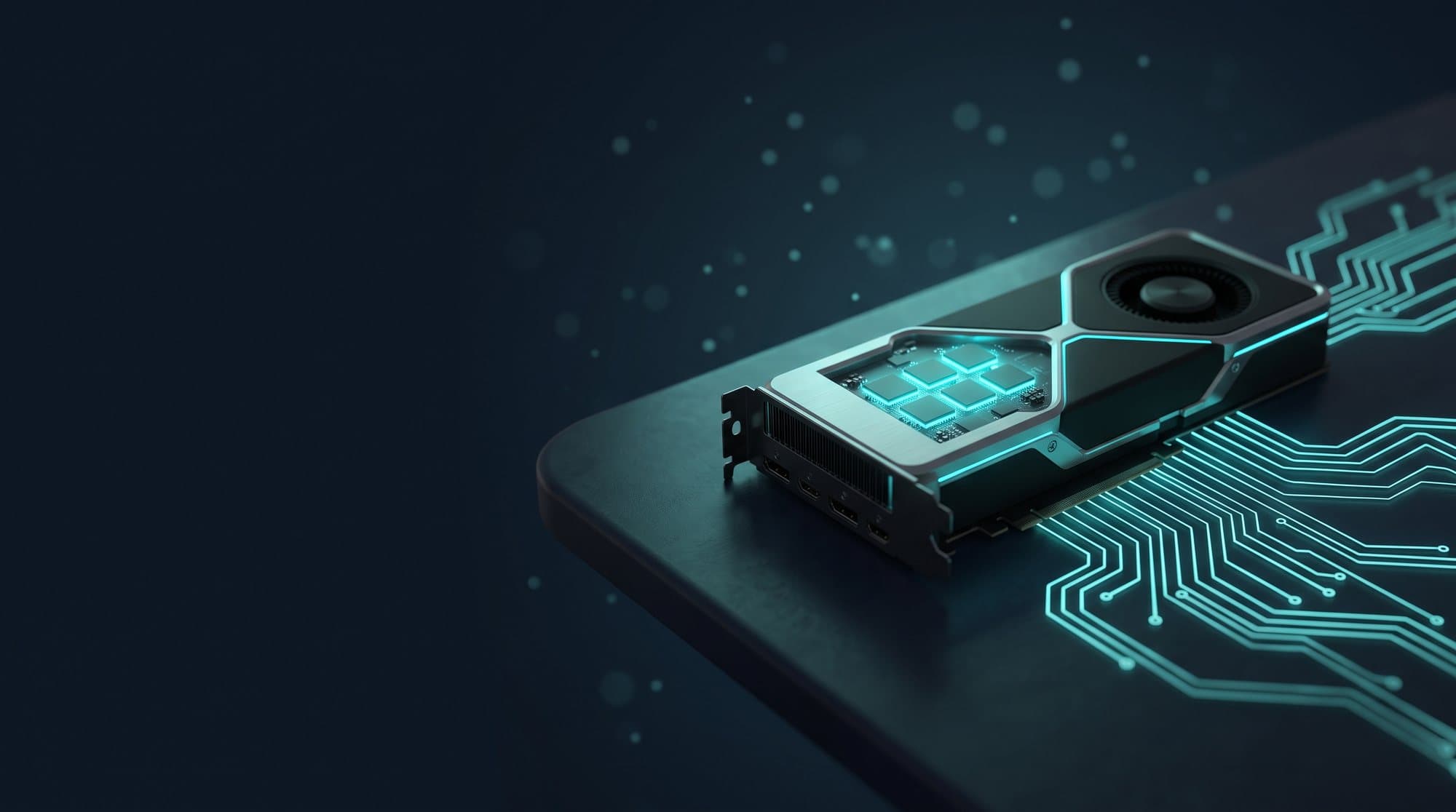
GPU memory is decisive, not the processor. Small to medium models run on a compact device with an AI accelerator or a current Mac with plenty of unified memory. Medium models for several users need a graphics card with 24 GB or more, large models a server with several cards. Much of this can be tested beforehand with an appliance.
When does it make sense?
The hardware question becomes concrete as soon as a company wants to run local AI permanently. Ask it too early and you buy by brochure. Ask it too late and you have a pilot that does not scale into regular operation. The right time is after a first test with real tasks, when it is clear which model size the tasks actually need.
When does it not make sense?
Anyone without a use case yet should not buy hardware. Neither should anyone who only occasionally edits non-critical texts. In both cases a loan device or a European cloud is the better start.
Prerequisites
Three quantities determine the hardware: model size in billions of parameters, the number of concurrent users and the length of inputs, for example with document questions. Then the location: a quiet device in the office, a server in the rack or a virtual machine with a passed-through GPU.
Options: the device classes
- Compact device with AI accelerator. A single-board computer with a dedicated accelerator, NVMe storage and active cooling. For small to medium models and one team. This is the class of the AI Appliance.
- Mac with unified memory. Current Macs share memory between processor and graphics. With 64 GB or more, medium models run smoothly. Quiet, efficient, good for a team.
- Server with one GPU. 24 GB of GPU memory or more. Medium models for a department with many concurrent users. The usual choice for regular operation.
- Server with several GPUs. For large models or the whole company. Needs rack, power and cooling like other data centre equipment.
Benefits
Hardware is a one-off expense, usage afterwards is free. The device classes build on each other: what runs on the appliance runs faster on the server. And the choice can be secured with a test instead of assumptions.
Limits and risks
GPU memory is the scarce resource, and its prices fluctuate. Buy too small and you get slow answers or have to use a smaller model. Buy too large and you pay for reserves nobody uses. Very long inputs, such as entire contracts, need additional memory for context that many calculations forget.
Example
A manufacturer wanted to let service technicians ask questions about maintenance manuals. The four-week test on an appliance showed: a medium-sized model answered the questions reliably, a smaller one did not. For the twelve technicians a server with one 24 GB GPU was then enough. Without the test a much larger server would have been ordered, because the vendor's quote assumed the largest model.
Frequently asked
Is a normal office PC enough for a local LLM?
For very small models to try things out, yes, slowly. For use in a team, no: without dedicated GPU memory or an AI accelerator, answers take too long.
Mac or PC with a graphics card?
A Mac with plenty of unified memory is a good entry for a team, quiet and efficient. A PC or server with a GPU is faster with many concurrent users and can be extended. For regular operation in a department the server is the usual choice.
How much GPU memory for which model?
As a rule of thumb, a quantised model needs about as many gigabytes as it has billions of parameters divided by two, plus reserve for context. A model with 8 billion parameters runs in 8 GB, one with 70 billion needs 40 GB or more.
Do we need several GPUs?
Only for very large models or very many concurrent users. Most applications in mid-sized companies run with one card. More important than a second card is often a suitable, smaller model.
Can I test the hardware beforehand?
Yes. An appliance shows in four weeks which model size your tasks need and how the response time feels. Then the server can be sized properly.
Conclusion
GPU memory is the yardstick. Small teams start with a compact device or a Mac, departments with a server and one GPU, large models need several. You know the right size after a test with real tasks, not after the brochure.
Related questions: What does a local enterprise AI cost?, Can you run ChatGPT locally in a company?, Which open-source AI is suitable for companies?
AI Appliance
Pre-configured local AI environment, ready the same day. Test with real data in four weeks, then decide.
To the AI Appliance